Assigning the Company Lead on a Supervisory Activity
The company lead is the main point of contact for a Supervisory Activity, responsible for responding to Information Request (IR), the Report of Examination (ROE), and Matters Requiring Attention (MRA).
About this task
Note: The supervisory activity contact is the only user who can assign a company lead on
an SA.
Procedure
-
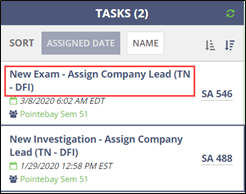
Click New Exam – Assign Company Lead on the homepage.
-
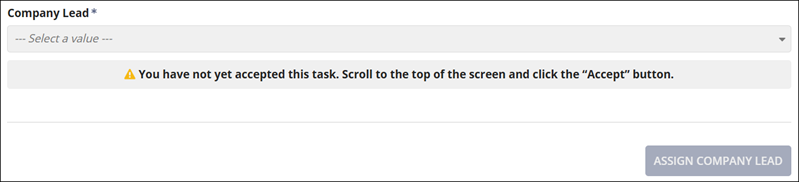
Scroll to the top of the page to accept the task of assigning a company
lead.
-
Click Accept at the top of the page.

-
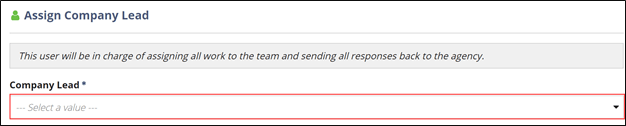
Select a company lead from the Company Lead list at the
bottom of the page.
-
Click Assign Company Lead.