When Managing the Scope, you have the option to select
how you want to build the scope – manually or automatically using a Work Program.
Selecting Work Programs automatically populates the
Areas for Review (AFRs) that correspond to the work program and adds a Work Program badge to
the SA.
Regulatory working groups and sister trade organizations have identified the AFRs appropriate
for all Work Programs. These AFRs are automatically selected when Managing the Scope.
Viewing All Work Programs Available in SES
All SES agency users can view the work programs in SES by clicking View
Library on the homepage of SES.
Then, select the Work Programs tab.
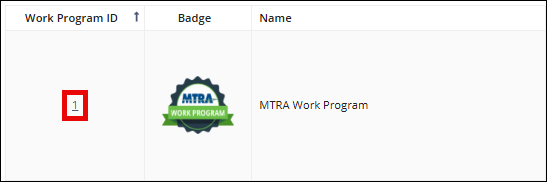
Click the hyperlinked Work Program ID number to see full details for
a work program.
Need More Help?
Agency users, please visit the Secure Portal
for phone and email contacts.
Company users should call the Call Center at 1-800-269-6189.
Agency users should not call this number.