Deactivating a Reference in the Library
Staff users or directors can deactivate references that are agency library items. CSBS manages standard library items.
About this task
Tip: Use the Filters function
to limit the list of library items to those added by your agency.
Procedure
- Log into SES as a Staff Director or User role.
-
Click View and
Manage Library on the home page.

- Click the References tab.
-
Note: If you know the ID of the item you wish to update, you can search for the item by Library ID. Otherwise, filter the list of items to show only those belonging to your agency.To find a library item:
- Optional:
Type the Library ID and click
Search.

-
Click Show
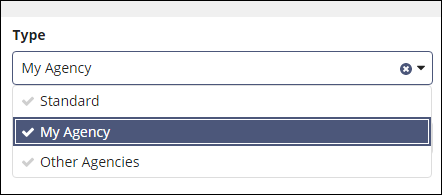
Filters, select My Agency from the
Type list, and click Search.

-
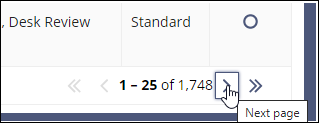
Scroll to the bottom of the page and navigate to
the next page until you find the Library item.
- Optional:
Type the Library ID and click
Search.
-
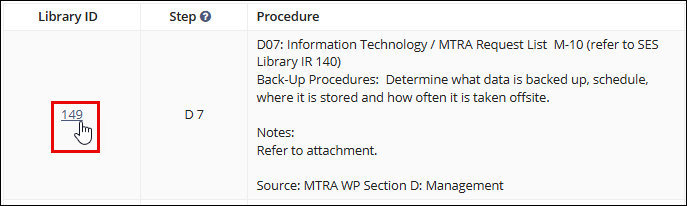
Click the Library
ID of the desired Library item.
-
Click Deactivate Reference.
 The Deactivate Reference From Library confirmation message appears.
 -
Click Deactivate Reference to confirm.