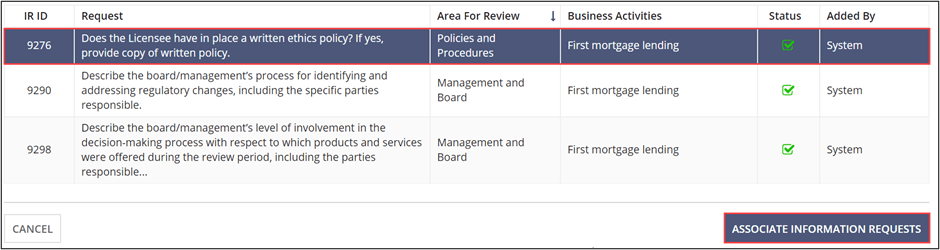
Associating Additional IR responses to an IR Response
If you find that an Information Request (IR) response from another Area for Review (AFR) addresses an IR within the AFR you are currently in, you can use the Associate Additional Information Request feature to link the two IR responses.
Procedure
-
Click Associate Additional Information Requests.
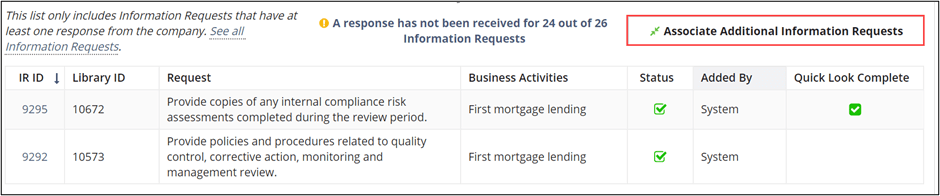 Note: The only IRs that appear in the list are those that have been responded to from within another AFR. If there are no IRs to select, this means that the company has not yet responded to the IRs.
 - Select the IRs to be added to this AFR by clicking the desired rows.
-
Click Associate Information Requests.