Managing MRA Associations
Matters Requiring Attention (MRA) can be associated with Findings. You can add or remove MRA associations from specific findings.
About this task
Procedure
-
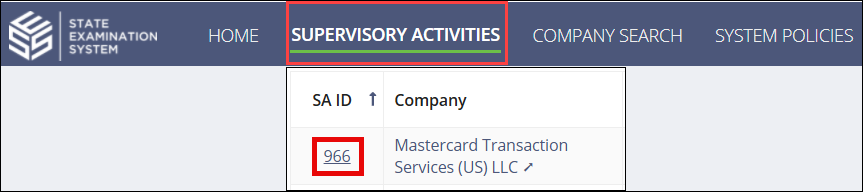
Navigate to your supervisory activity.
-
Click Examination.

-
Select the Number of
Findings hyperlink for the desired Area for Review (AFR).
-
Scroll down to the Findings section.
Select the desired Finding ID
hyperlink.

-
Click Manage MRA Association.
-
Remove existing associated MRA by
clicking
 in the grid.
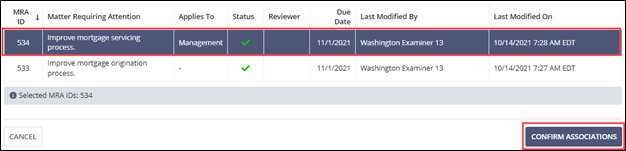
- Associate new Findings by selecting the desired rows in the grid.
-
Click Confirm Associations.